https://medium.com/@jayesh.madhwani335/enable-search-in-episerver-cms-11-f2498ad17c64
- Check if 404 is hidding endpoint
This article will help you with installing and configuring the Search feature in Episerver CMS11.
First, we need to install the Episerver.Search and Episerver.Search.Cms Nuget package to your Episerver Web application.
This will add below the config section to your web.config file.
<episerver.search active=”true”>
<namedIndexingServices defaultService=”serviceName”>
<services>
<add name=”serviceName” baseUri=”https://[yoursitehostname]/IndexingService/IndexingService.svc" accessKey=”local” />
</services>
</namedIndexingServices>
<searchResultFilter defaultInclude=”true”>
<providers />
</searchResultFilter>
</episerver.search>
Next, browse https://[yoursitehostname]/IndexingService/IndexingService.svc
if you get IIS mapping error then you need to install HTTP activation from Turn Windows feature on or off → .Net Framework Advanced Services →WCF Services → HTTP Activation.
try browsing the Url again, if you get below error
No elements matching the key ‘IndexingServiceCustomBinding’ were found in the configuration element collection.
then add the below config section to your web.config under Configuration → system.serviceModel
<bindings>
<webHttpBinding>
<binding name=”IndexingServiceCustomBinding”
maxBufferPoolSize=”1073741824"
maxReceivedMessageSize=”2147483647"
maxBufferSize=”2147483647">
<security mode=”Transport”>
<transport clientCredentialType=”None”>
</transport>
</security>
<readerQuotas maxStringContentLength=”10000000" />
</binding>
</webHttpBinding>
</bindings>
you should now be getting below message after browsing the indexing service url


Now we are ready to create the indexes for our Episerver content.
Go to Episerver CMS →Admin → Admin Tab →Index Site Content
or
Goto
https://[yoursitehostname]/EPiServer/EPiServer.Search.Cms/IndexContent.aspx

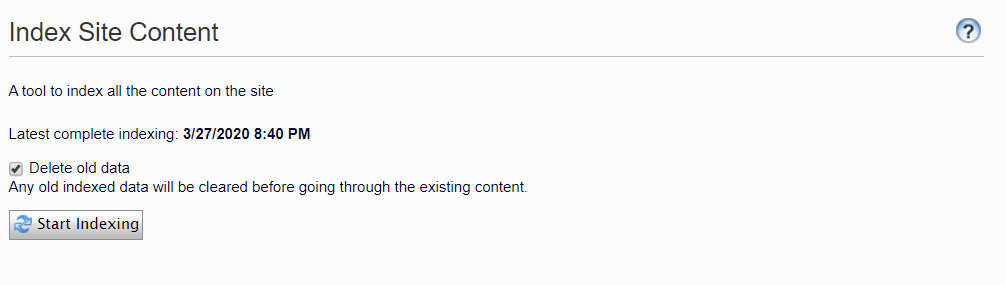
Clicking on the “Start Indexing” button will create index files under your App_data/Index/Main folder.
if you see below error when trying to load IndexContent.aspx page
System.Security.SecurityException: Request for principal permission failed.

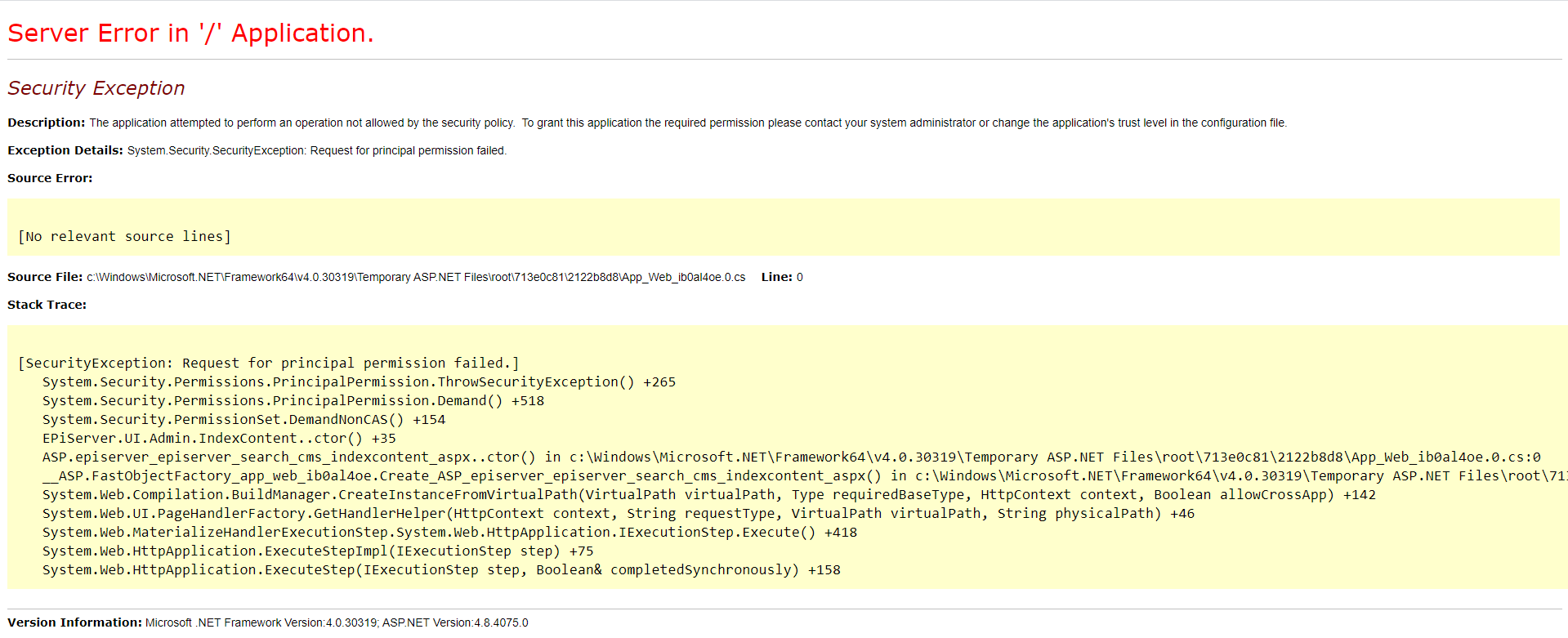
then
remove this virtual role from the Web.Config file.
<add name=”Administrators” type=”EPiServer.Security.WindowsAdministratorsRole, EPiServer.Framework” />
and add below virtual role.
<add name=”Administrators” type=”EPiServer.Security.MappedRole, EPiServer.Framework” roles=”WebAdmins,Administrators” mode=”Any” />

No comments:
Post a Comment